 KnitPad
Draw your knitting chart. Then knit it row by row.
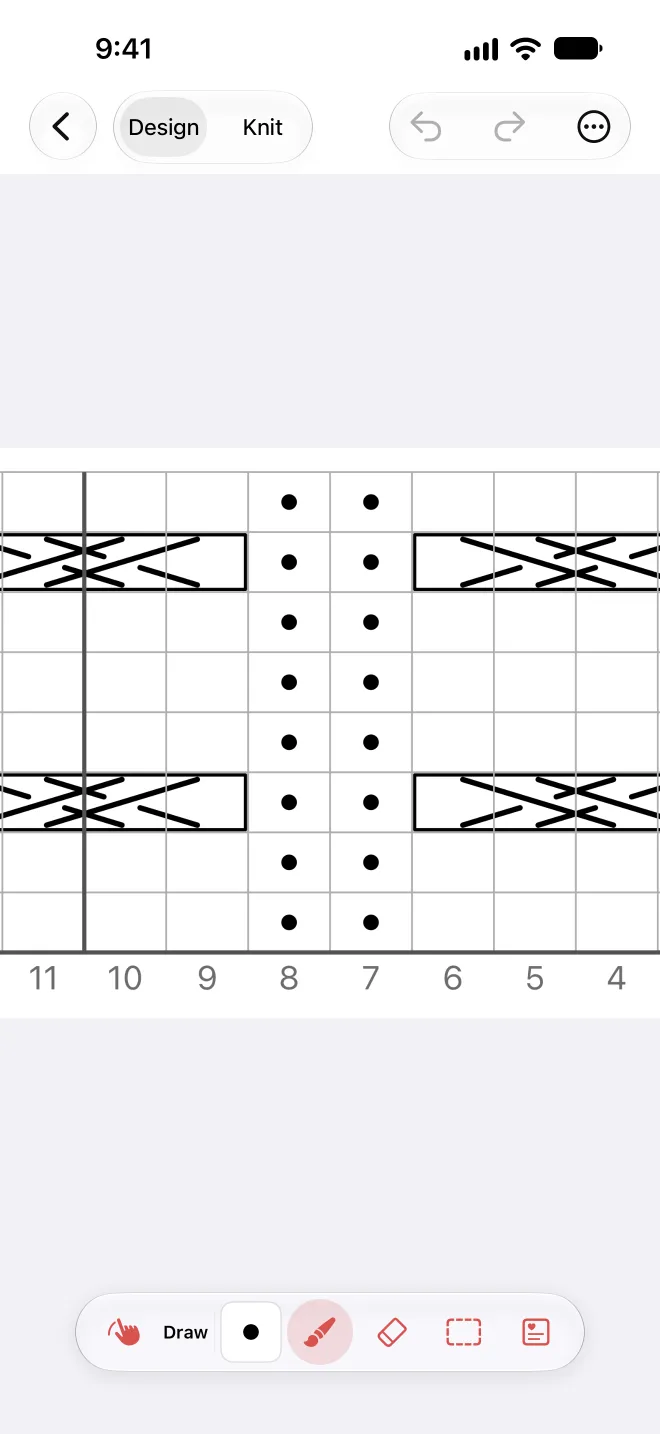
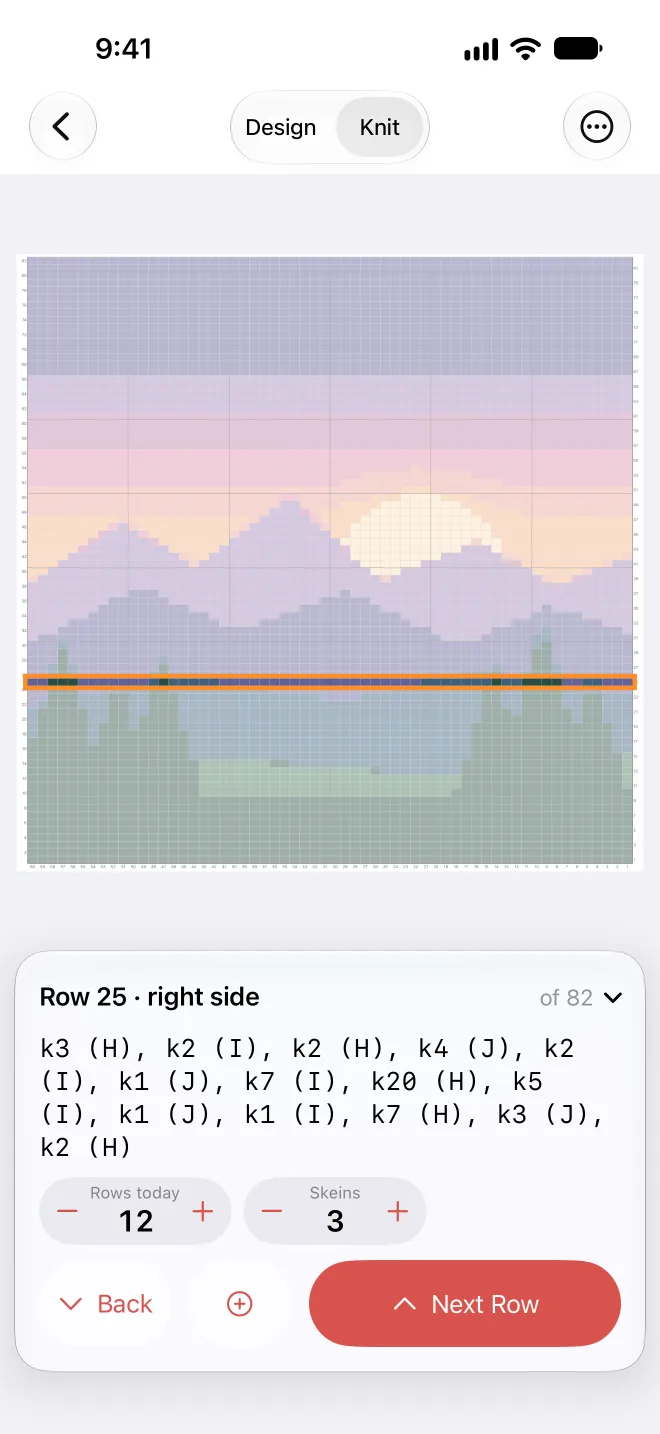
KnitPad is a chart editor for iPhone and iPad. Paint colorwork and stitch symbols, start from a motif or a photo, and follow the chart while you knit.
One project is free, with every tool. After that you pay once. No subscription.
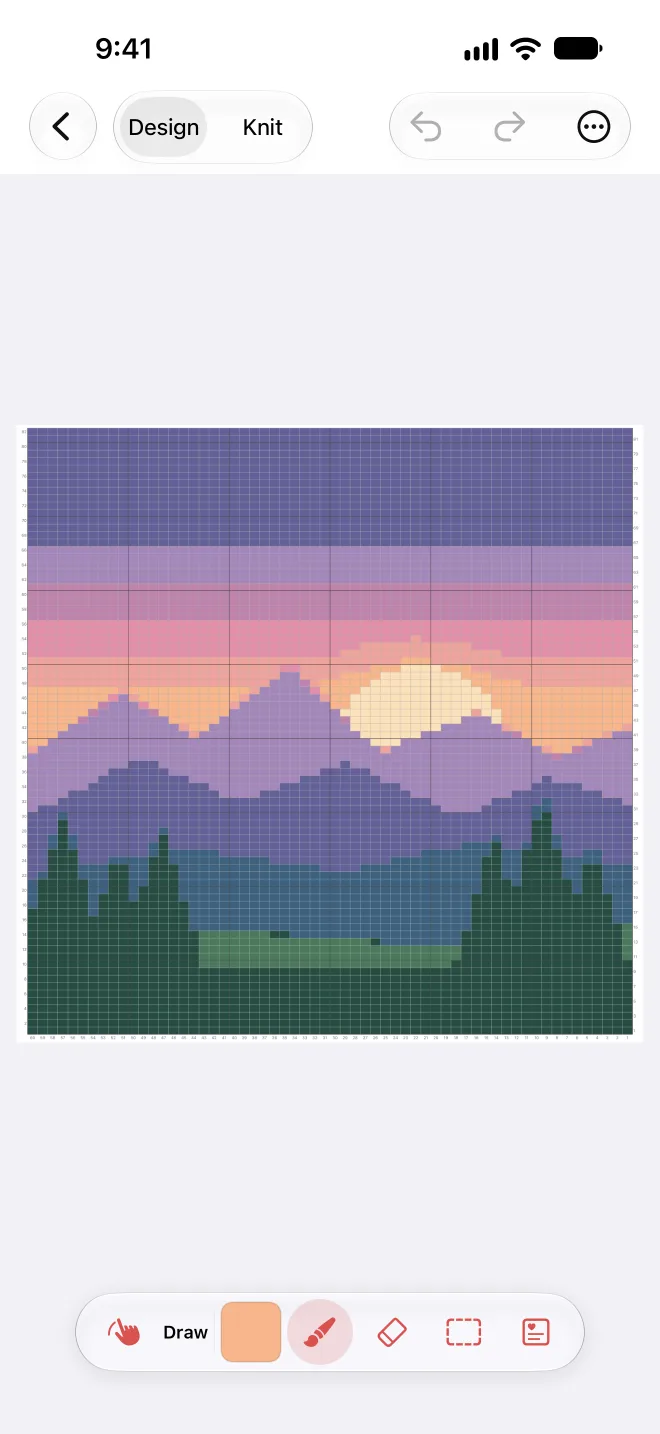
Try it: tap or drag on the squares to paint. Then switch to Knit.
From the first square to the last row
The squares are as wide as your stitches, so the chart looks like the knitted piece. Set your gauge once and KnitPad does the rest.
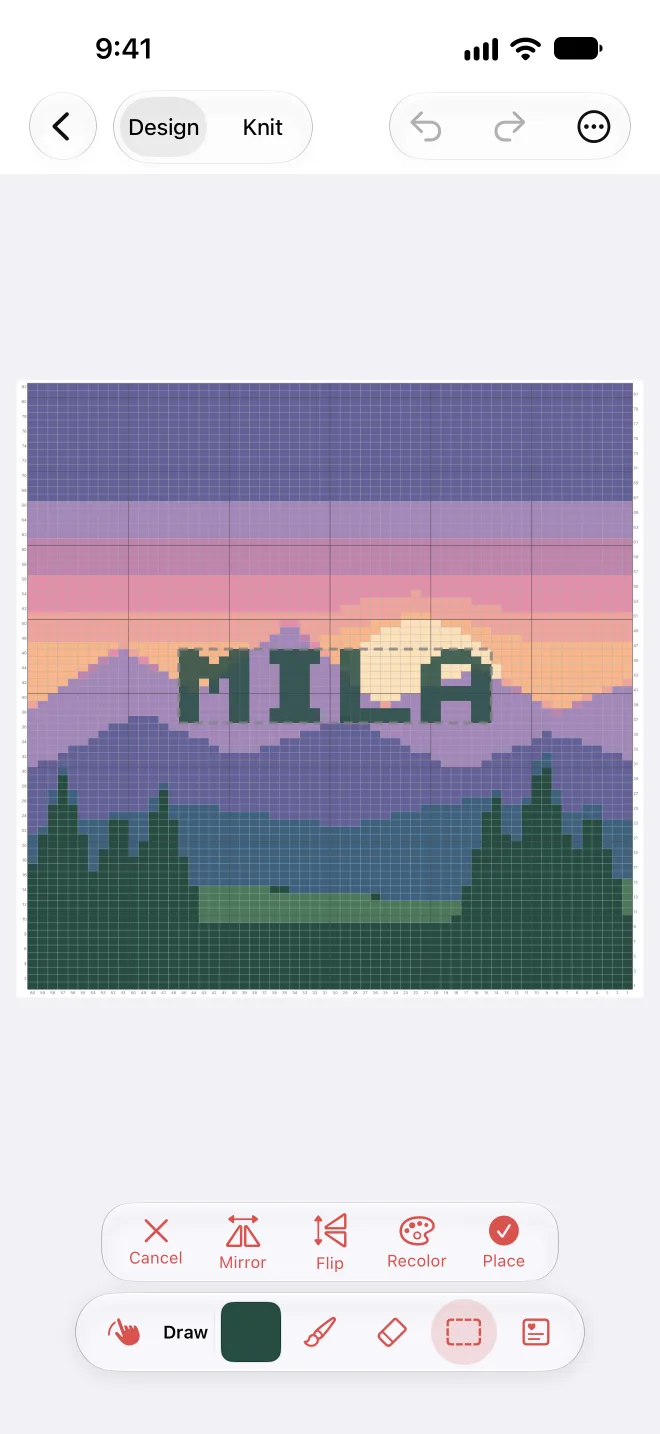
Start from a motif
All 118 motifs in the app are also free charts on this site, with sizes and written instructions.
- A chart from a photo
- Pick a photo, set the width in stitches and 2 to 12 colors. The rows follow from your gauge.
- Print and share
- A PDF with the chart over as many pages as it needs, the legend, the written instructions and your notes.
- iPhone and iPad together
- Projects, counters and notes sync through your private iCloud. Earlier versions of a chart can be restored.
Buy it once
The free version has one project with every tool. A second project needs the unlock: one payment of $14.99 / €14.99, no subscription, for all your devices and your family.
Questions
Do I need an Apple Pencil?
No. A finger works on iPhone and iPad; a loupe shows the squares under it. With a Pencil, the Pencil draws and your fingers move and zoom.
Does it write the instructions for me?
Yes. Every row is written out from the chart, flat or in the round, in the knitting terms of your language.
Does KnitPad collect any data?
No. There is no account, no analytics and no ads in the app. Details are on the privacy page.
How do I get help?
How-tos are on the help page. Questions, bugs or ideas: [email protected]. I read every message and usually reply within two days.